How to buy a bus ticket online 2026
Contents
Ad. On some links we earn a commission if you book. The price does not change for you. How we earn (in Lithuanian)
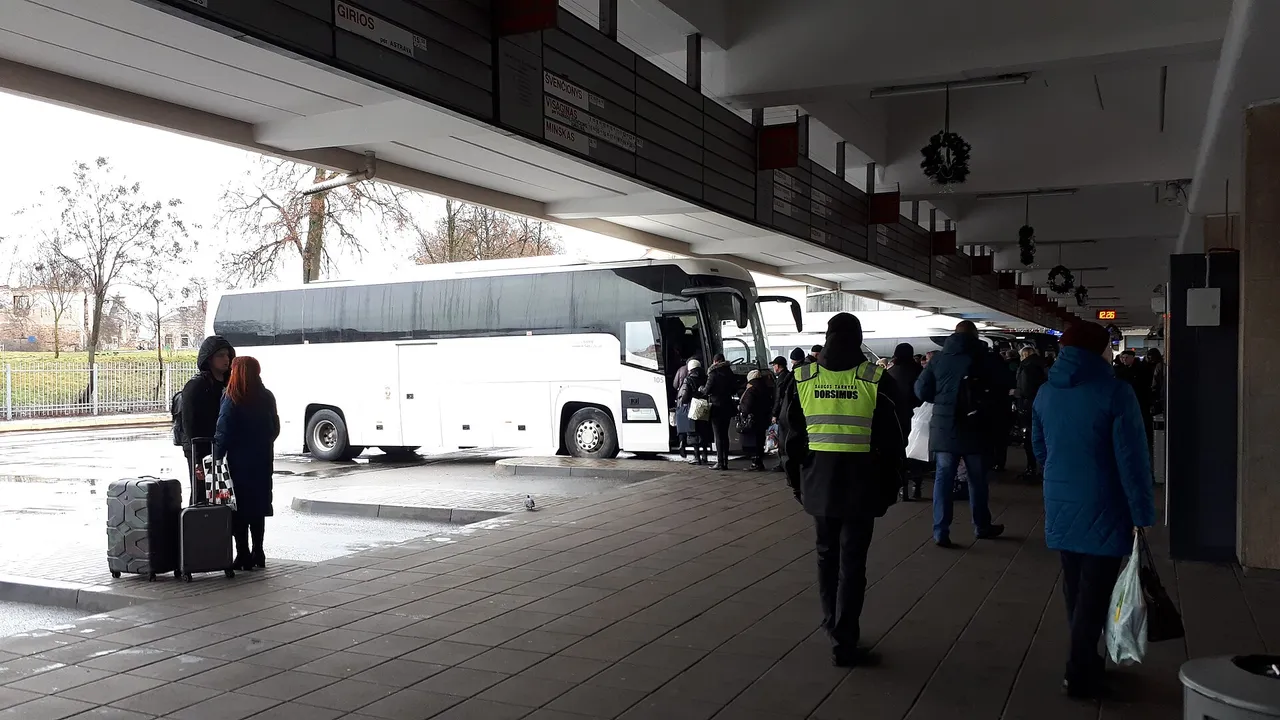
How do you buy a bus ticket online? Choose a service in the search, enter the passengers’ names, pay and save the order confirmation. FlixBus adds a €0.99 service fee to the order and recommends that you arrive at the departure point 15 min before. Below are five steps and what to take with you.
The rules were checked on 2026-10-06–07. What happens after the “Continue” button is described from the carrier’s terms.
1. Choose a route and a day
In the FlixBus search you choose: a single or return journey, the departure and arrival city, the date, the number of passengers and bicycles. Above the results you can see the neighbouring days, so you can compare price and time in a few clicks.
An example Vilnius–Kaunas search (search, checked on 2026-10-07) shows the services on that route for the chosen day.
2. Compare the services
Each card shows the departure and arrival time, the stops, the journey time, whether the service is direct, the price and sometimes a warning “Free seats left: 4!”. Different services on the same route can differ in price and journey time.
Look at the stop, not only the time. Some services arrive not at the city bus station but at another stop. Before you buy, check that the arrival point suits you.
3. Include the service fee
The search page shows a note: “A service fee will be added to the order”, €0.99. It is not in the ticket price, so the final amount will be higher than the one on the card. Add this fee when you work out your travel budget.
4. Enter the passengers and choose seats
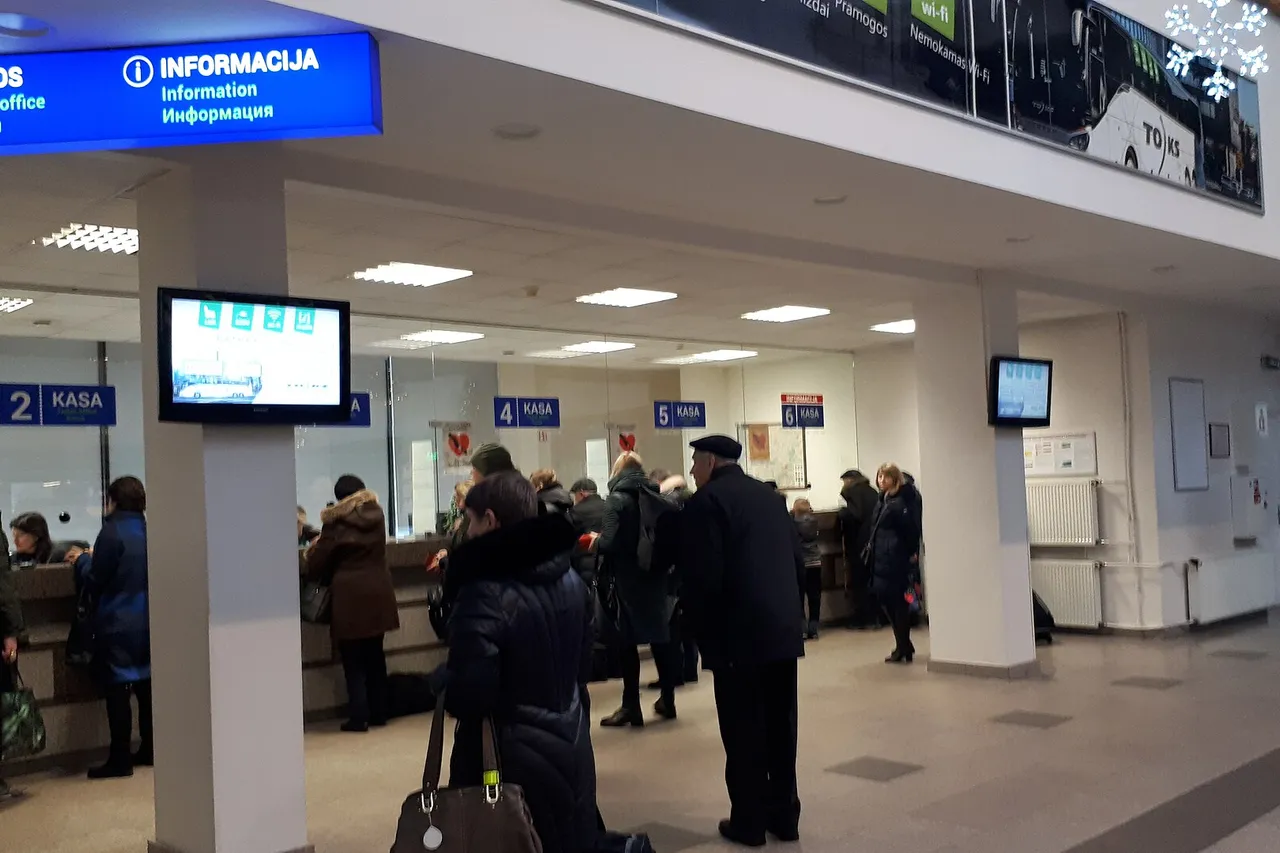
The terms of carriage say that the passenger’s first name and surname are matched against the reservation list that the driver sees on a phone. Enter them as they are written in your identity document (terms of carriage, point 3.1, checked on 2026-10-07).
A seat can be reserved only when ordering. Tick the box “Seat reservation”, choose a free seat on the map (a seat marked X is taken) and continue with the order. The fee depends on the type of seat and the distance. Once a ticket has been ordered, seats can no longer be added, and you will find the number in the order confirmation (seat reservation, checked on 2026-10-06).
5. Pay and save the ticket
Clicking “Order” or “Pay” makes a binding order. Receipt of the order is confirmed by an automatic email, and the contract of carriage is made when Flix confirms the order (point 3.3.1).
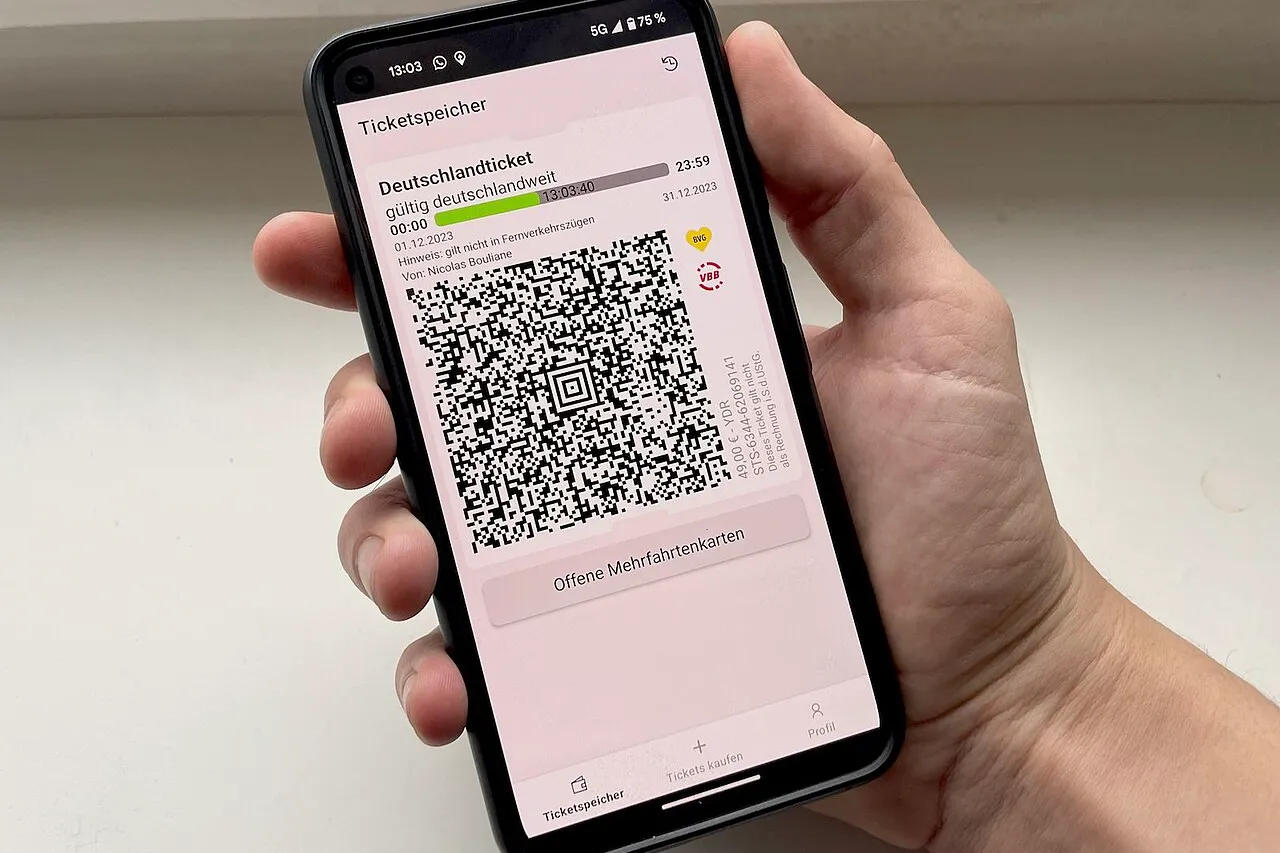
The ticket is the order confirmation, printed or electronic (PDF), together with a valid identity document with a photo (point 3.1). If you use the free FlixBus app, the ticket is kept in it (app, checked on 2026-10-06).
What to do before you leave
- Arrive on time. FlixBus recommends being at the departure point 15 min before the service, even if you have a reserved seat (point 7.1).
- Take your document. At the check you must show both the ticket and an identity document with a photo (point 4).
- Do not plan to buy on the bus. That is possible only if seats are still free, so the terms recommend buying tickets in advance (point 3.2.1). Travelling without a valid order, the increased carriage fee is not less than €60 (point 5.3).
How to buy tickets from Lithuanian carriers on autobusubilietai.lt
Many Lithuanian services are sold by autobusubilietai.lt, and the rules are different (ticket purchase rules, checked on 2026-10-07):
- No account needed. You can have the ticket sent to an email address you give.
- Pay within 30 min. After the “Buy” button, the chosen ticket is held for only 30 min.
- The ticket is single-use. You must save it on your phone, or print it and show it to the driver.
- Refund. If you cancel the journey at least 30 min before departure, 80% of the price is refunded. “Promo” tickets are not refundable or exchangeable.
What changes when plans change
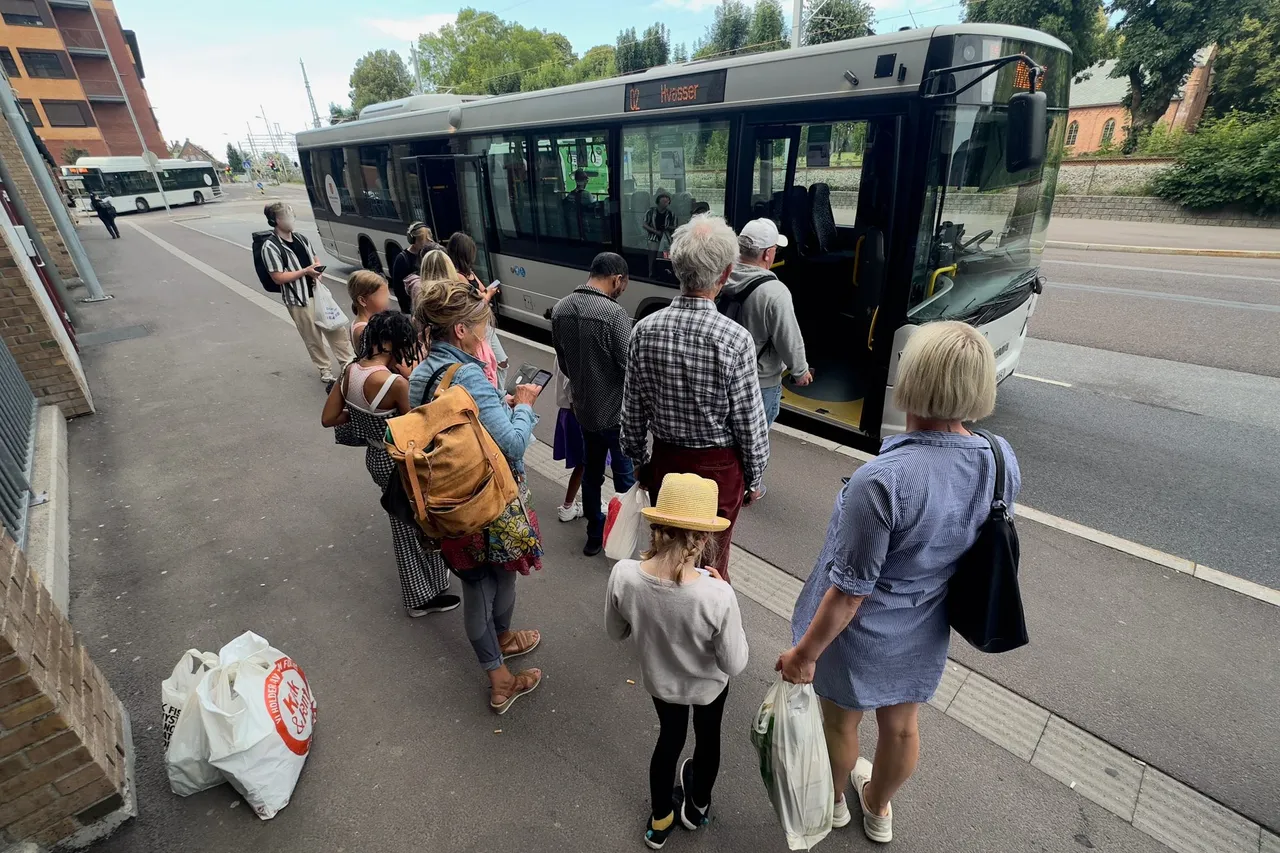
FlixBus orders are handled on the “Manage orders” page: there you can change passenger details, move the journey, manage seats and luggage, cancel the order and download tickets. Flix charges a service fee for this self-service, and the page does not give its amount (manage orders, checked on 2026-10-06).
Looking for a trip worth buying a ticket for? Try a weekend in Vilnius from Kaunas (in Lithuanian) with a night’s stay and a museum. Read about the city on the Vilnius page, and look for other places in the list where to go from Kaunas (in Lithuanian).
Frequently asked questions
Do I need to print the ticket?
No. The terms of carriage allow the order confirmation to be presented printed or in electronic PDF format, and in the app the ticket is digital. You also need an identity document with a photo.
Can I buy a ticket on the bus?
Yes, but only if there are still free seats. The terms of carriage recommend buying tickets in advance online, in the app or at an agency.
Can I cancel an order?
You cancel a FlixBus order on the “Manage orders” page, but a service fee applies. We found no cancellation terms or refund amount on the FlixBus page, so we do not write them.
Contents
Destinations in this guide


Keep reading
 Practical tips
Christmas markets 2026
Christmas markets 2026: tree-lighting dates in Vilnius and Kaunas, opening hours, locations and the walk from the station in Riga, Tallinn, Gdańsk, Warsaw.
 Practical tips
Interrail in the Baltic states 2026
Interrail in the Baltics: LTG Link gives a 100% discount, but a reservation of €3 or €5 depending on the route is needed. Checked on 2026-10-09.
 Practical tips
How to buy a train ticket 2026
How to buy a train ticket online: 4 steps, Vilnius–Kaunas in 2nd class from €4.30 with a 50% discount until 31 December. Checked on 2026-10-09.
Share this article
 Facebook
 Messenger
 WhatsApp
 Viber
 Telegram


More: Practical tips · all guides